
- Copy youtube link from browser address line (i.e. „https://www.youtube.com/watch?v=qe18CLwqKhg„)
- Click „Insert Shortcode“ button (located right above Post text editor). Select „YouTube“, insert your link to „Url“ field and press „Insert shortcode“. This will insert a shortcode with folling text into post: su_youtube url=“https://www.youtube.com/watch?v=qe18CLwqKhg“ width=“320″ height=“240″. Change it to su_youtube url=“https://www.youtube.com/watch?v=qe18CLwqKhg“ height=“330″
- Go to editor „Text“ mode, and put shotcode into div node with attributes „width: 600px; margin: 0 auto;“ . It shall look like:
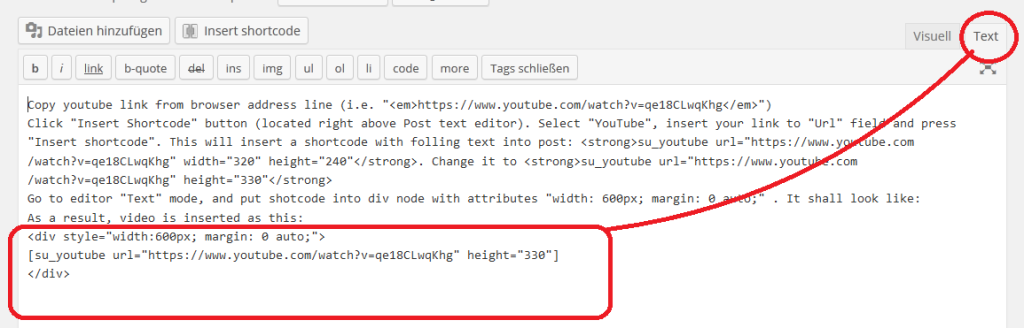
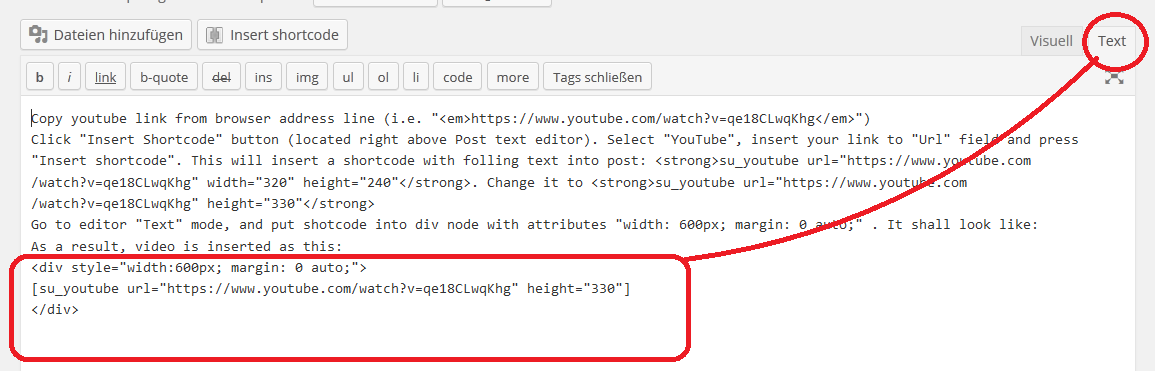
As a result, video is inserted as this: